Mobile-ready
- • txt (23andMe, WeGene, and similar consumer formats)
- • VCF / gVCF (standard variant call formats)
- • .genomesprofile (Fern Gene portable profile)
Platform Architecture
If you already have raw genomic files, you can start today. Import, analyze, and see results — all on your device.
Real product view
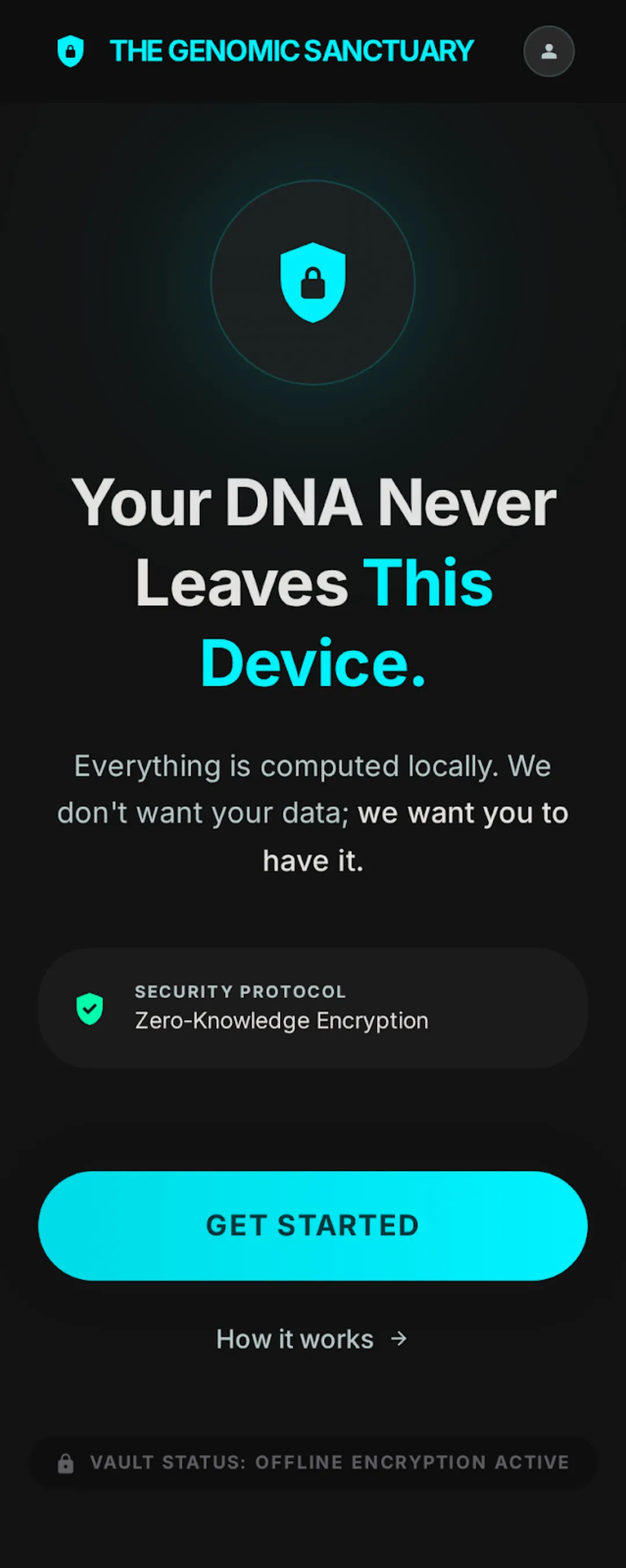
Supported formats
Import process
Tap or drag your raw file. Fern Gene reads it locally. Nothing is uploaded.
1,185 production rules process your data. No server round-trip. No cloud dependency for core interpretation.
A compact, encrypted profile replaces the raw file for long-term storage. The raw file can be deleted after import.
Prioritized guidance across 17 areas. Medication, risk, carrier status, lab follow-up — sorted by relevance, not presented as a static report.
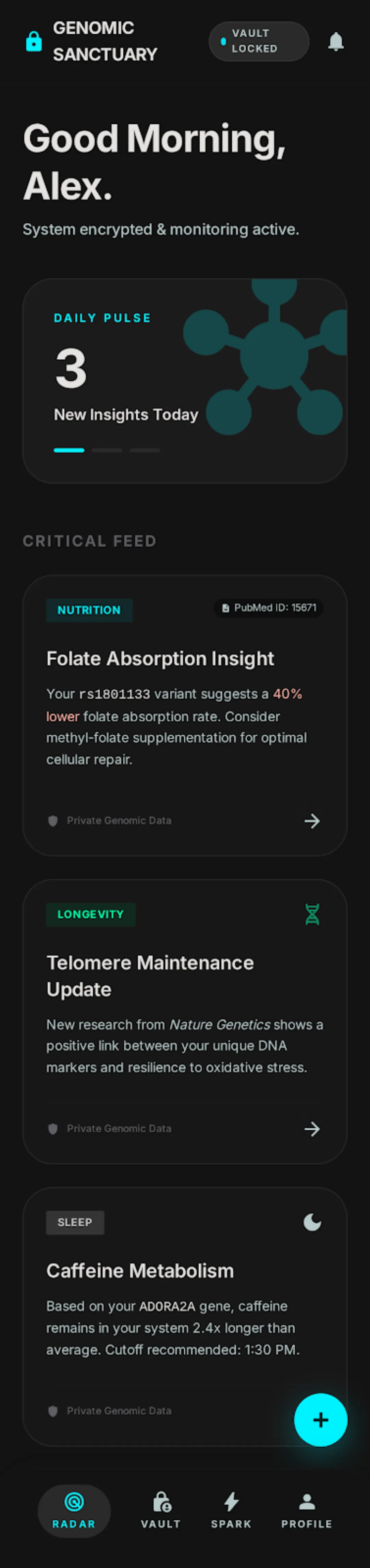
Radar homepage
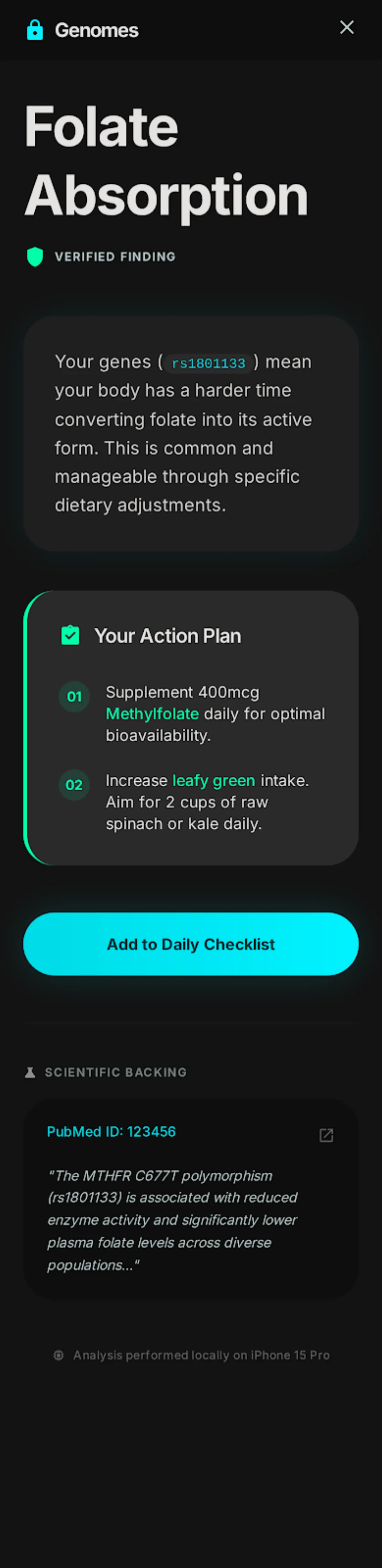
Evidence Room detail

Vault security
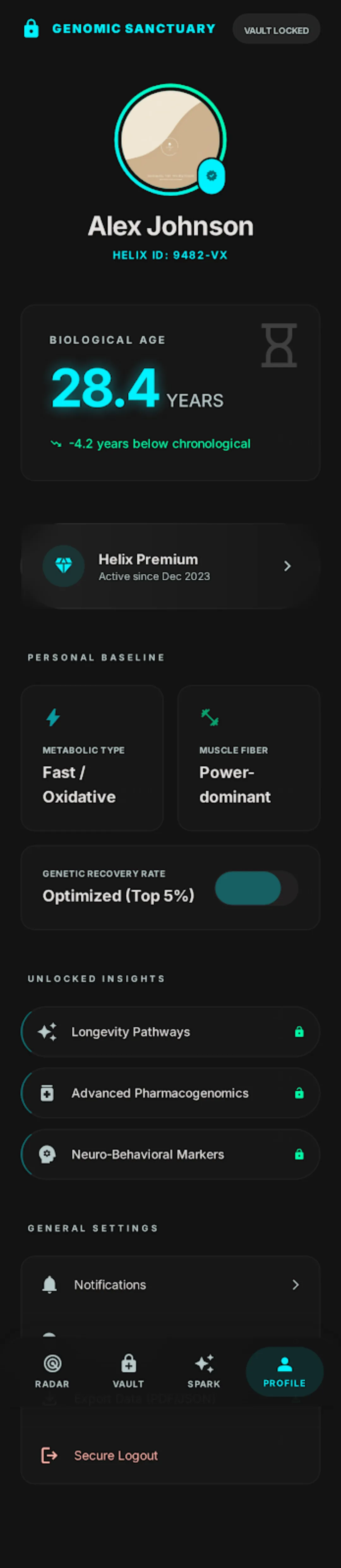
Profile
After import
The most relevant items first — medication responses, risk signals, and carrier status. Not a wall of text. 1,116 content points already live.
Every result has a detail view with reasoning, evidence sources, and suggested next steps. Open it when you want the why.
Your profile joins the family account. Partner review, life-stage routing, and advisor coordination become available.
As the rule engine evolves, your results update. Same data, new interpretation. No re-import needed.
Import experience
I've been on clopidogrel for three years. The pharmacogenomics result showed I'm a poor metabolizer. My cardiologist switched me to ticagrelor the same week.
L., Shanghai
Cardiac patient
My father takes seven medications. The multi-drug interaction check found a major interaction between his warfarin and the new antibiotic. His doctor adjusted the dose before discharge.
T., Beijing
Caregiver